
Workspace
Terminal sessions, panes, files, editor, LSP, search, command palette, and shortcuts.
The complete workspace
Termco treats the project—not a terminal tab, AI conversation, or remote host—as the unit of work. Each capability appears around that shared context.
Terminal sessions, panes, files, editor, LSP, search, command palette, and shortcuts.
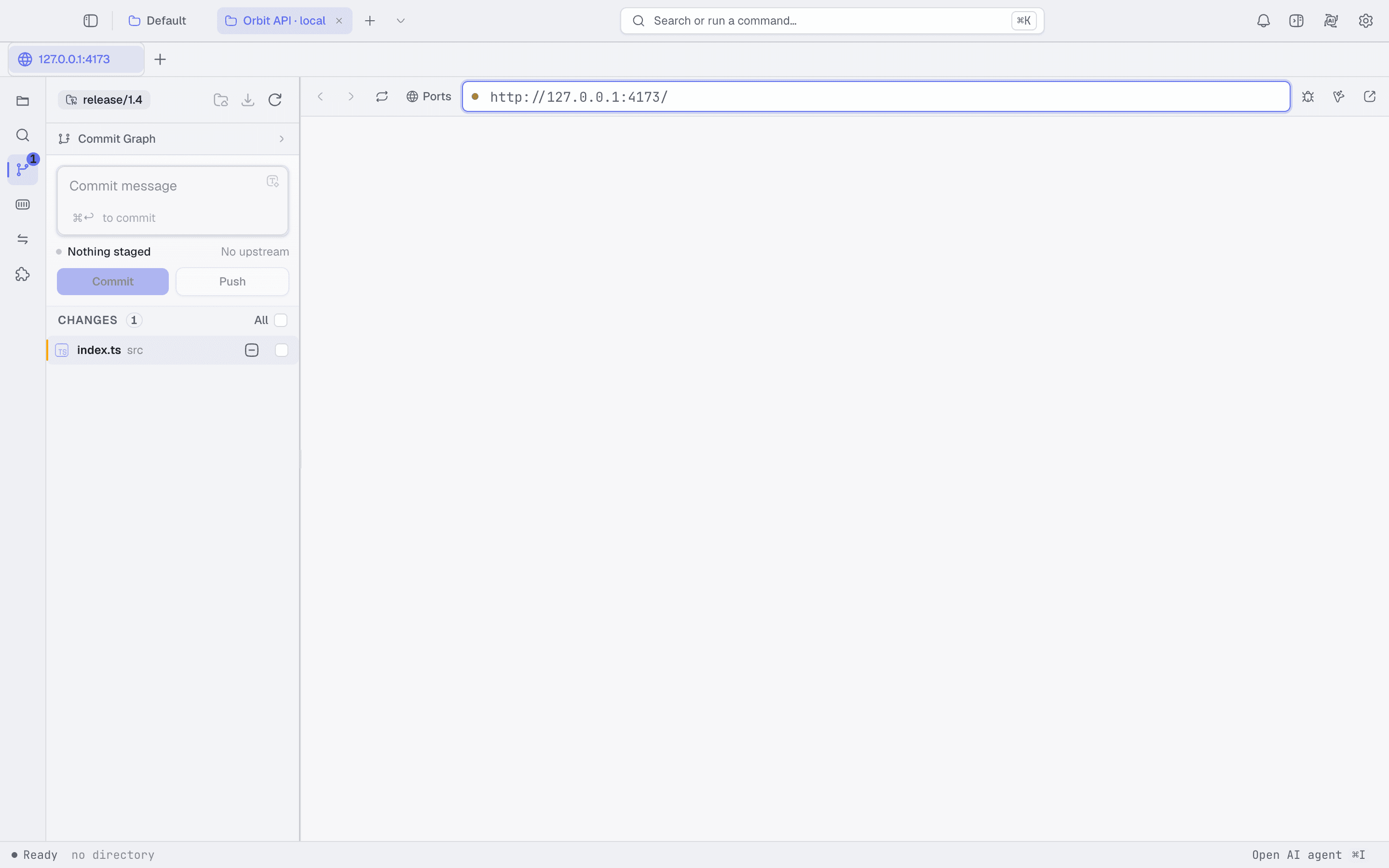
Git status, staged changes, diff review, commit graph, and local Preview in the same project.
Provider-backed chat, tool approvals, workflows, managed agents, and external MCP access.
Local projects, SSH rigs, remote files, containers, ports, logs, and forwarded Preview.
Official, team, and user plugins with versioned contracts and independent releases.
Share team-level plugins and commands while keeping user control over the active composition.
Workspace
Start a shell, edit a file, inspect diagnostics, search the project, review the diff, then run the result in Preview. The working directory and project state are already there.
AI and agents
Use a model provider in built-in chat, author repeatable workflows, launch a managed agent locally or over SSH, or expose scoped tools to an external MCP client.
Remote systems
SSH is a first-class rig, not a detached terminal session. Browse remote files, inspect containers, forward ports, open services, and run agents where the project lives.
Set up a remote rigPlugin platform
Plugins carry product capabilities behind explicit contracts. Official plugins update independently. Developers can create a new plugin, fork an existing one, replace its contribution, verify it, and roll back.
Read the plugin model