
WITHOUT — the alt-tab loop
- Terminal app
cd … again - Editor
find the file again - Git client
locate the diff again - AI chat in a browser
paste the context again - SSH session
re-orient again
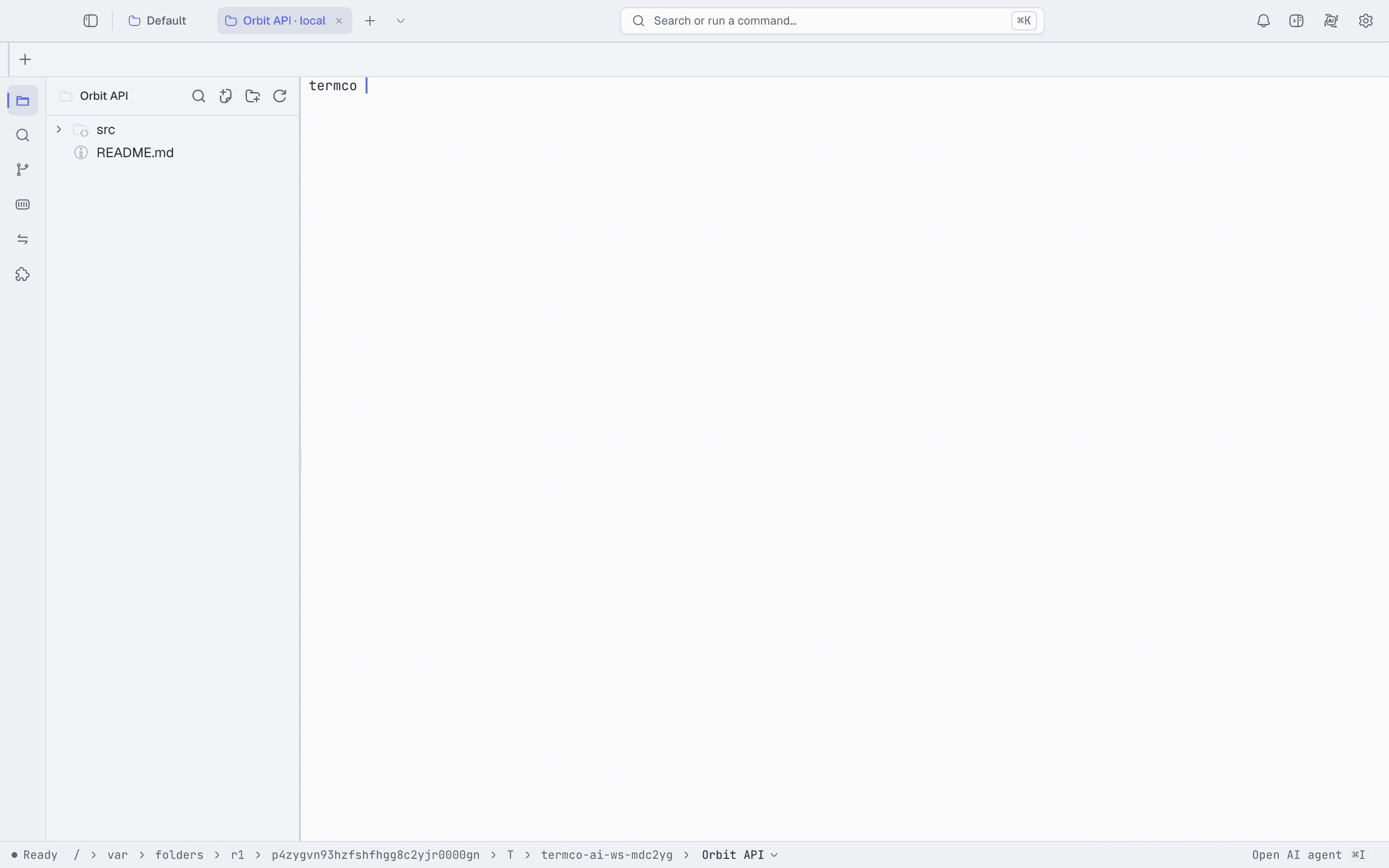
Terminal, files, editor, Git review, AI agents, containers, and remote rigs — all pointed at the same working directory. Stop re-explaining your project to five different apps.
$ why termco
WITHOUT — the alt-tab loop
cd … againfind the file againlocate the diff againpaste the context againre-orient againWITH — one workspace
same directorybeside the changealready have contextone glance awaysame workspace model$ termco --tour
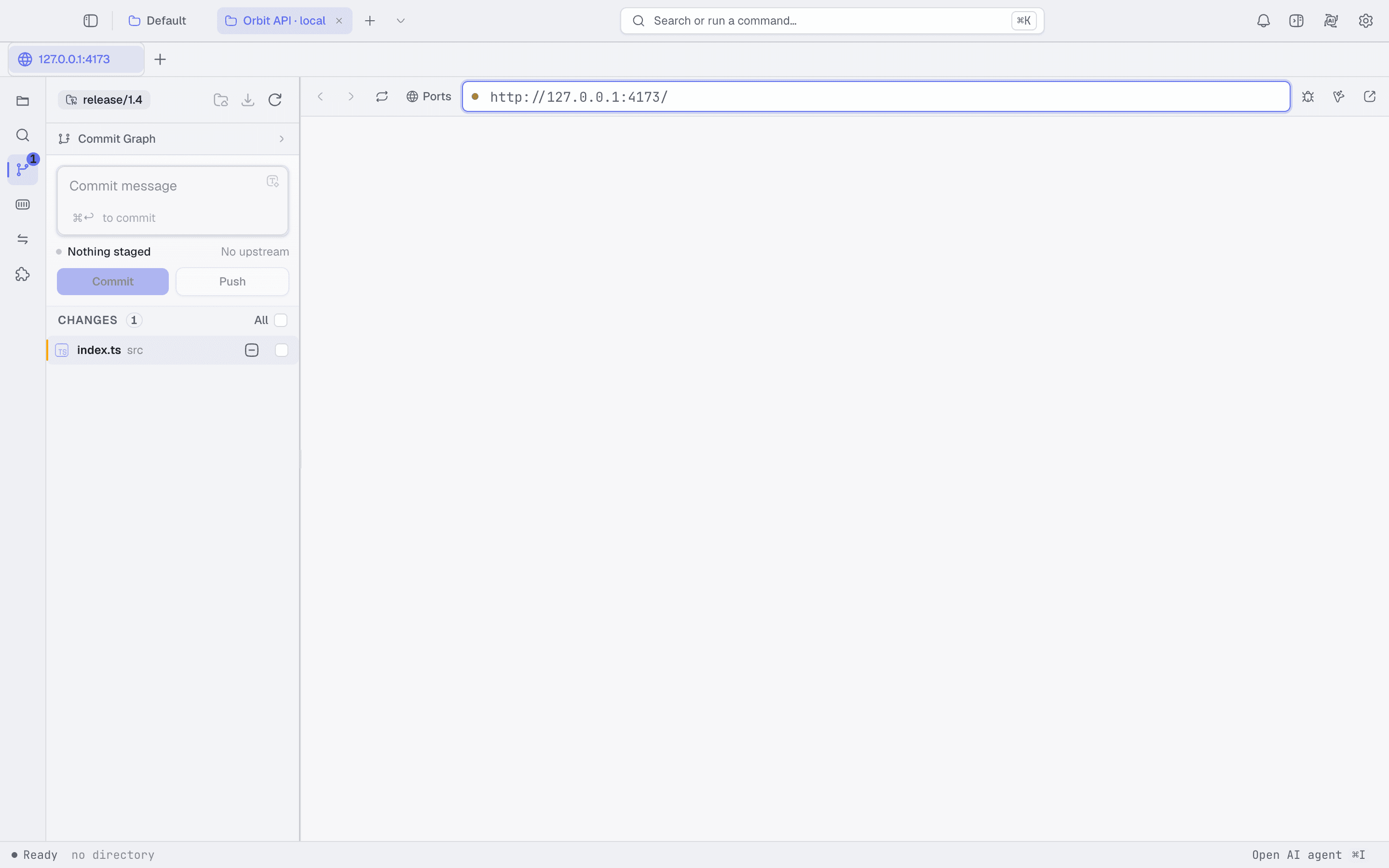
Every capture below is the real application. No mockups.
Chat, launch managed coding agents, or connect an MCP client — against the workspace you're looking at. Every tool call and file change stays visible, gated behind your approval.
your keys · your provider · even local models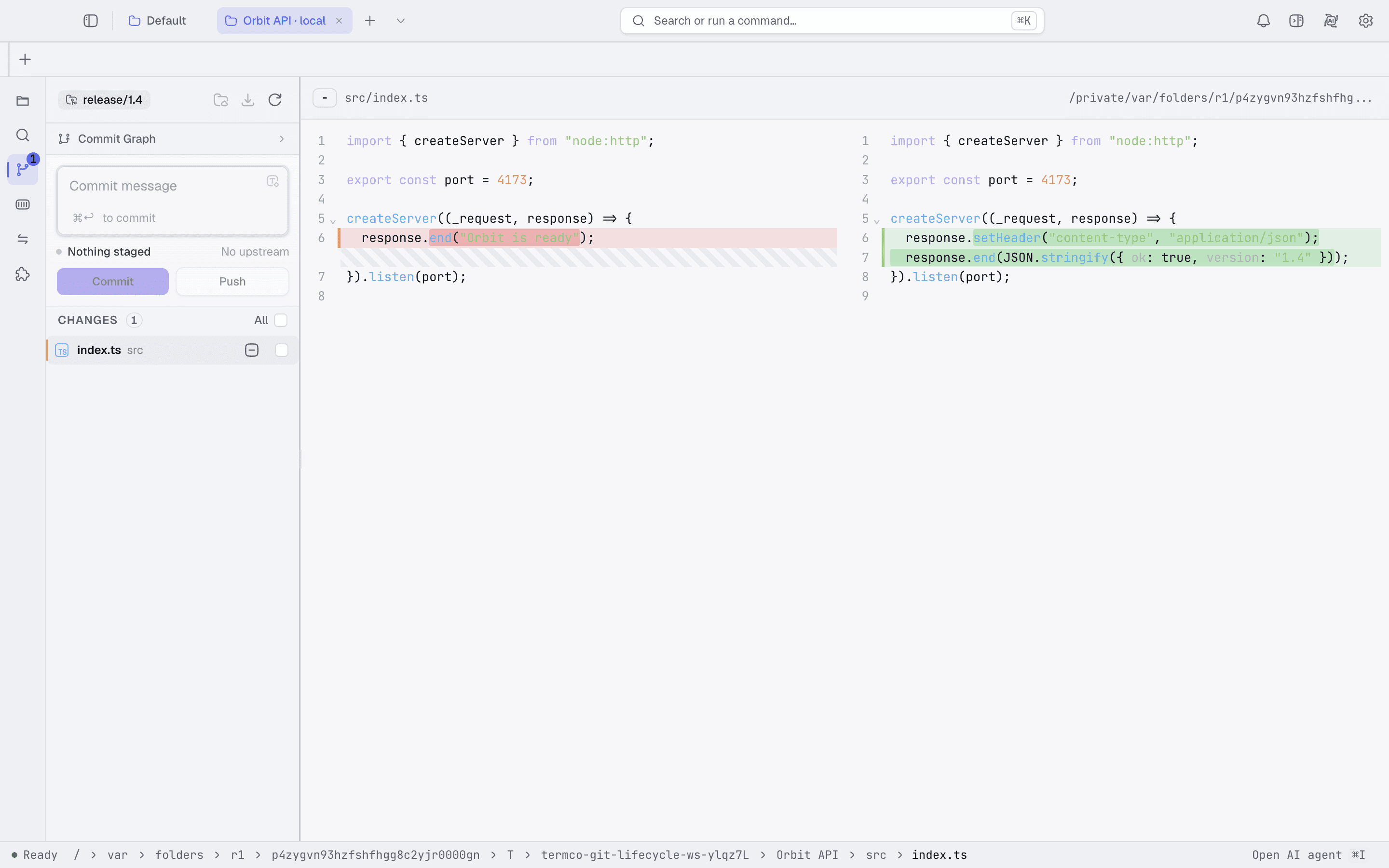
Git review lives beside the working tree. Checking an agent's change — or your own — means glancing sideways, not finding your place in another app.
Run a local service and open its Preview next to the editor. Change, glance, repeat — the loop never leaves the window.
Connect an SSH rig, browse its files and containers, forward ports, hand the same directory to an agent. Only the machine changes.
The whole runtime is plugins that release independently. Don't like how a piece works? Fork it, edit it, replace it — restore the original any time.
fork → edit → verify → replace$ termco --install
Releases live on GitHub. Download, open a folder you actually work in, and see if the window feels smaller than five apps did.
Separate builds for both chips from the latest GitHub release.
Download for macOSWSL projects work through the same workspace model.
Download for WindowsPick the package format for your distribution.
Download for Linuxapp: termco-ai/termco · plugins: termco-plugin-releases
$ man termco
Anything else — open a discussion on GitHub. The whole project is public.
Yes. Open source under Apache-2.0 — the application, the plugin contracts, and the release process are all public.
No. Install Termco and open a workspace — nothing is gated behind a login.
Whatever fits the project — hosted providers, compatible endpoints, or local models. External MCP clients can connect to the workspace too.
On your device, behind OS-protected storage. They don't need to pass through Termco services.
The app and its plugins release independently. Update only what changed — and roll a plugin back any time.